
Every Apple UI element.
Live on every device.
Sheets or popovers? Pickers or menus? UI Atlas shows each element running for real, explains it in plain English, and gives you the exact words to ask your AI for it.
Coming soon to the App Store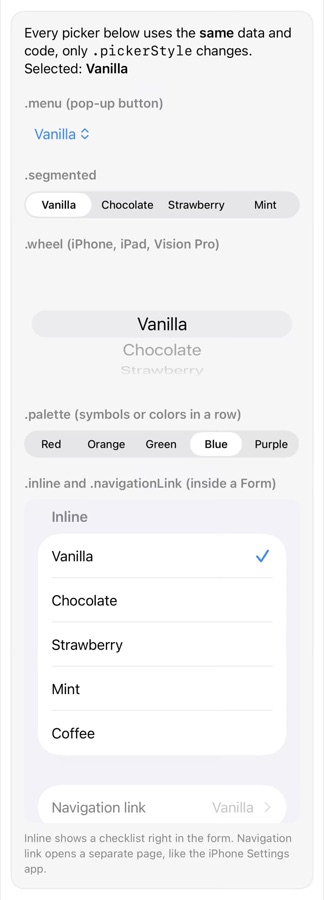
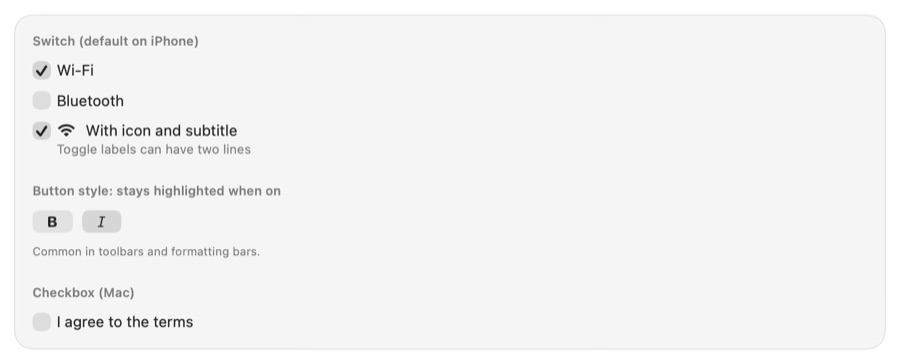
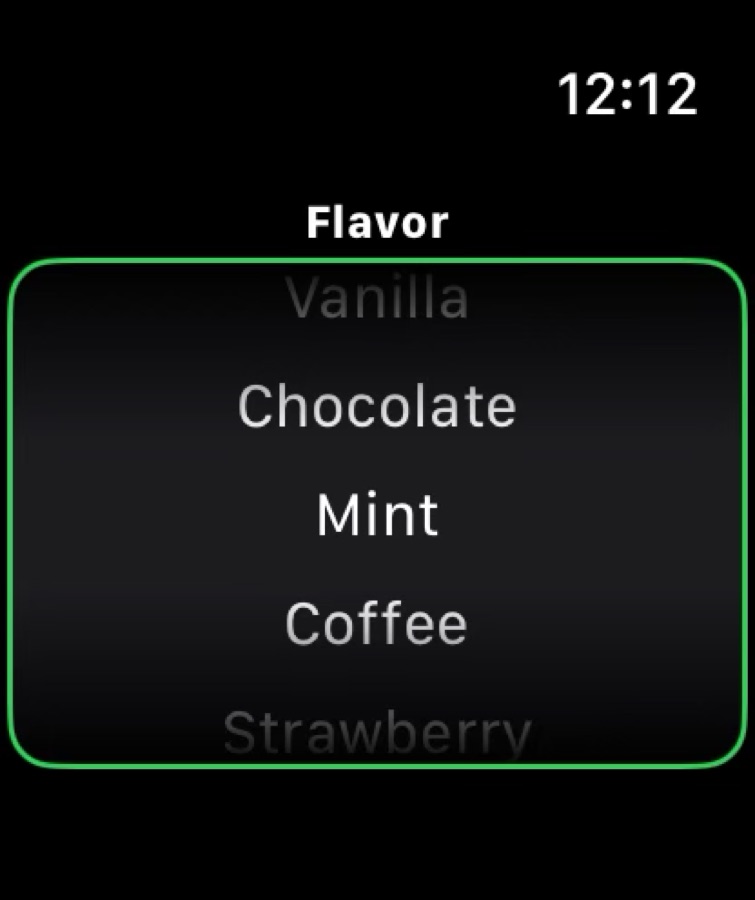
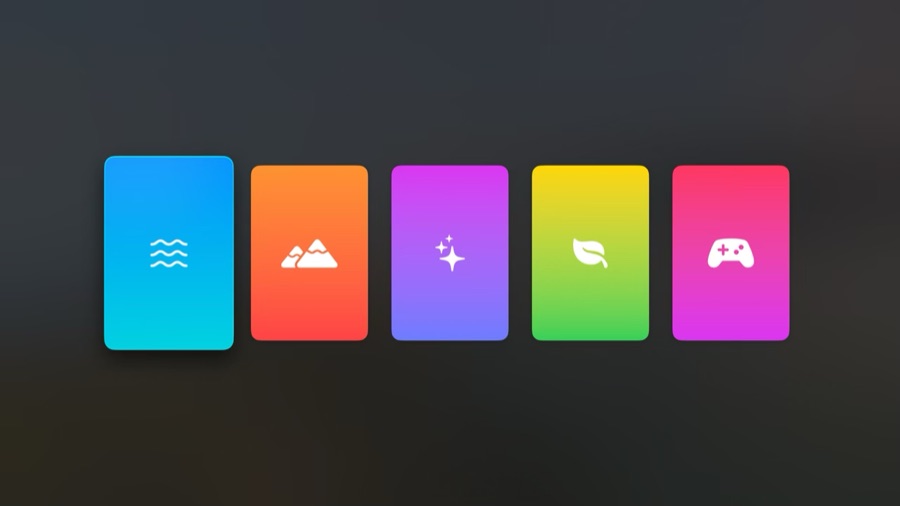
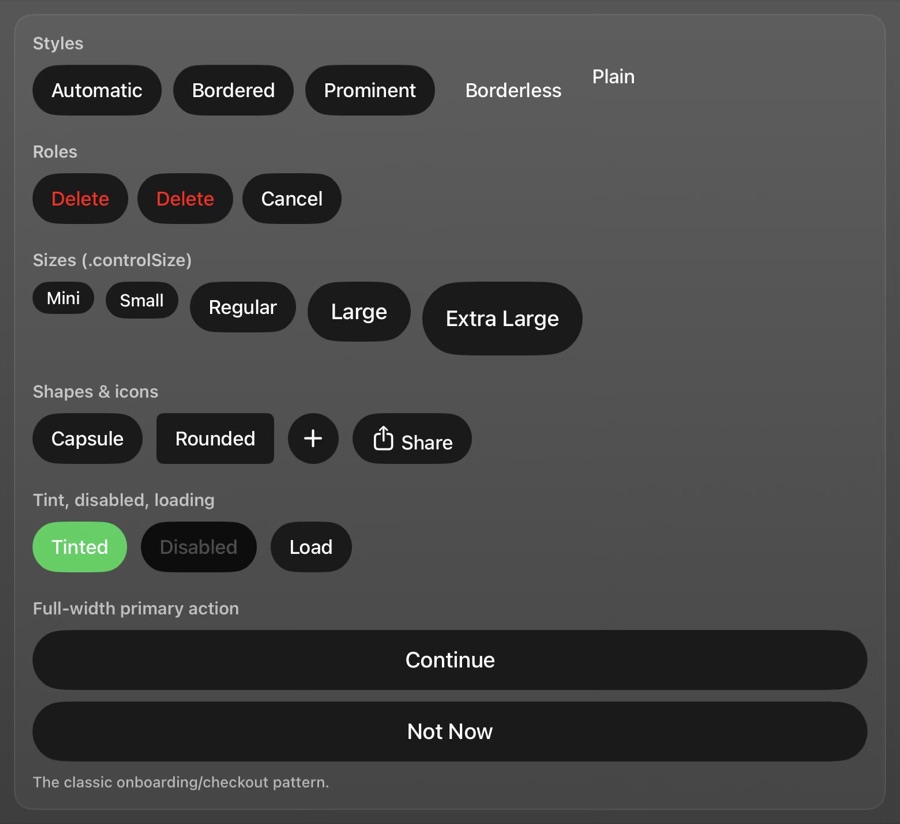
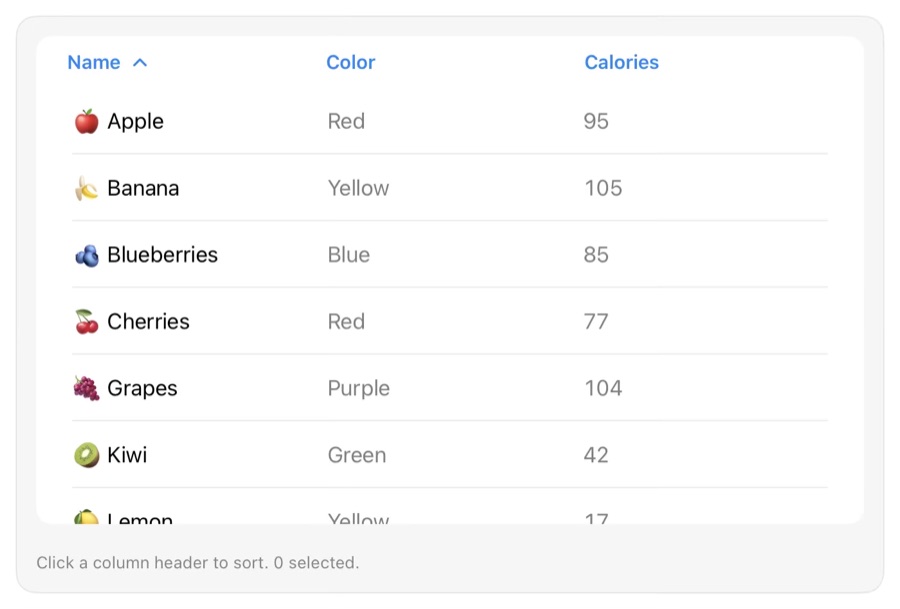
Learn the names. Then ask for exactly what you mean.
Built for people designing and vibe-coding Apple apps: find the element you're picturing, see how it behaves on each device, and copy a prompt your AI will get right the first time.
99 elements, live
Every component in Apple's Human Interface Guidelines, running for real, not as pictures.
Every device
Switch any element between iPhone, iPad, Mac, Vision Pro, Watch and TV to see how it changes.
Prompts that work
Each page has a copy-ready prompt and the SwiftUI code, using Apple's own names.
Plain-English glossary
What Apple calls a toast, a dropdown, a bottom sheet or a hamburger menu, and what to use instead.
Screens explained
Push, sheet, popover, alert, full-screen cover: the ways a new screen appears, side by side.
Foundations
Liquid Glass, SF Symbols, typography, color, layout, motion and accessibility, all interactive.